Swipe to Decide
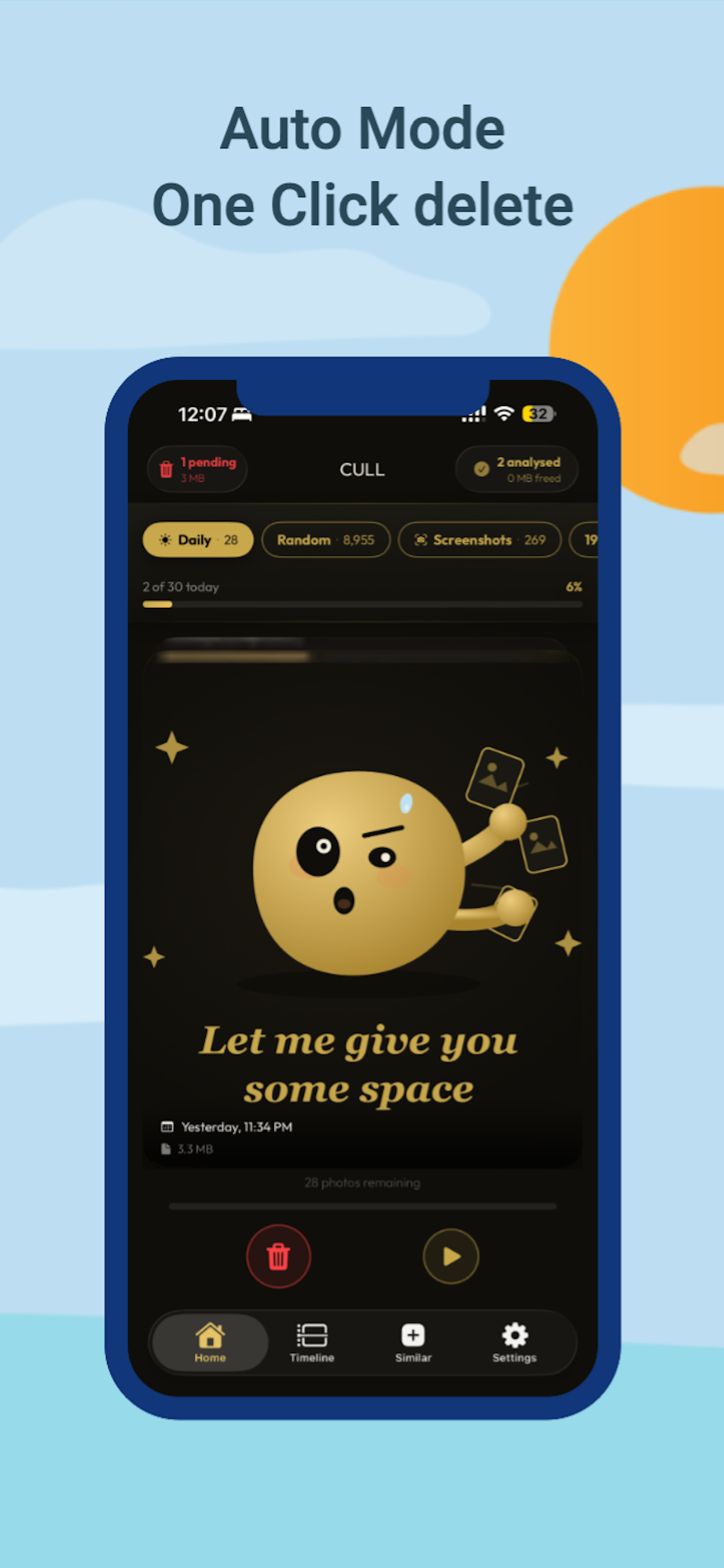
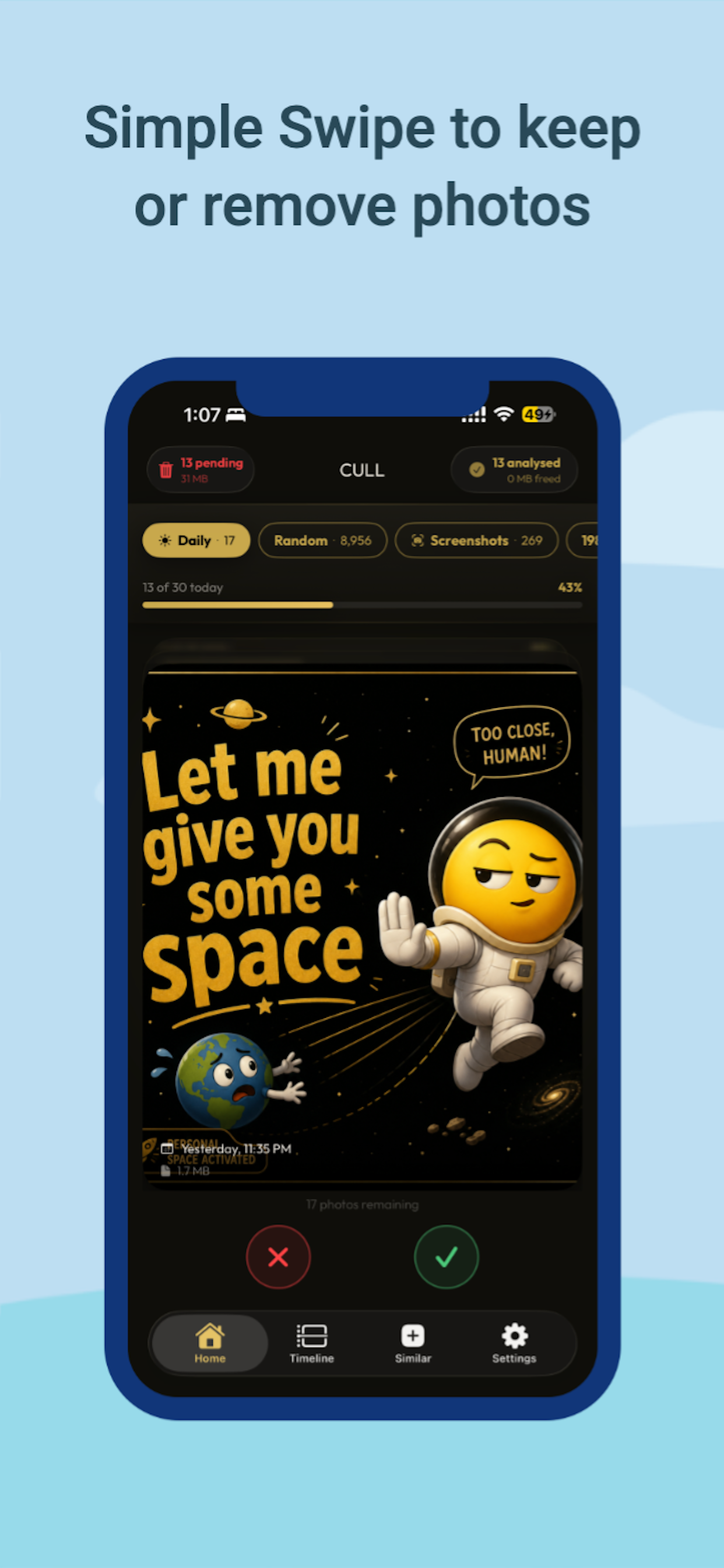
Keep or delete one photo at a time with a familiar swipe. Nothing is removed until you confirm it later.
Swipe through your camera roll like Tinder — keep what matters, clear out the rest, and watch your storage come back.
Your camera roll doesn't need therapy. It needs Space Swipe.
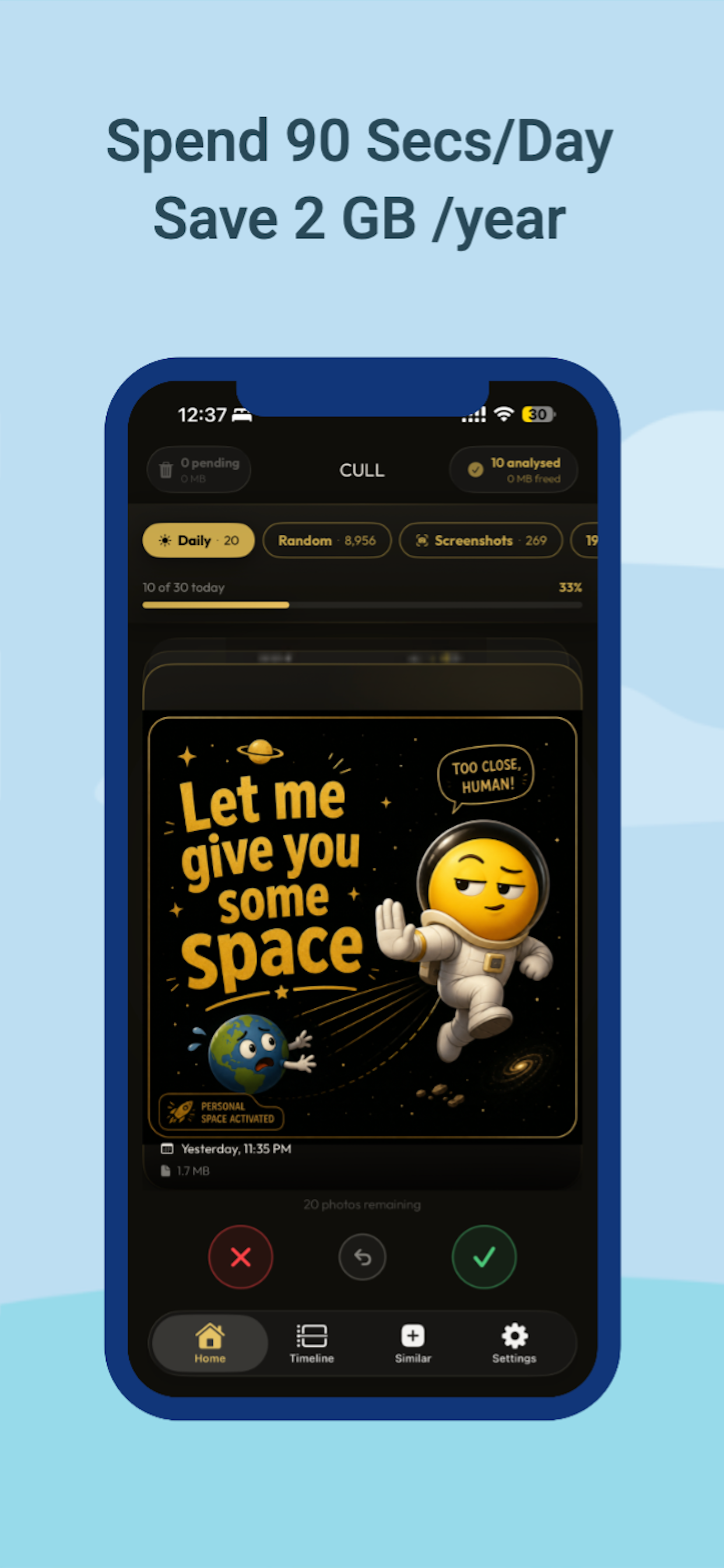
SpaceSwipe turns the most avoided chore on your phone into something you actually look forward to. Swipe right to keep a photo, swipe left to delete it — the same gesture you already know, just doing something useful for once.
No more scrolling past thousands of screenshots you'll never look at again. No more guessing which of twelve nearly-identical vacation photos to keep. SpaceSwipe shows you exactly what's taking up space and lets you clear it out in seconds.
SWIPE THROUGH YOUR LIBRARY
Review your photos one at a time with a simple swipe. Keep what matters, clear out the rest. Nothing is deleted the moment you swipe — every photo you mark goes into a review queue first, so you're always in control.
FIND DUPLICATES & SIMILAR SHOTS
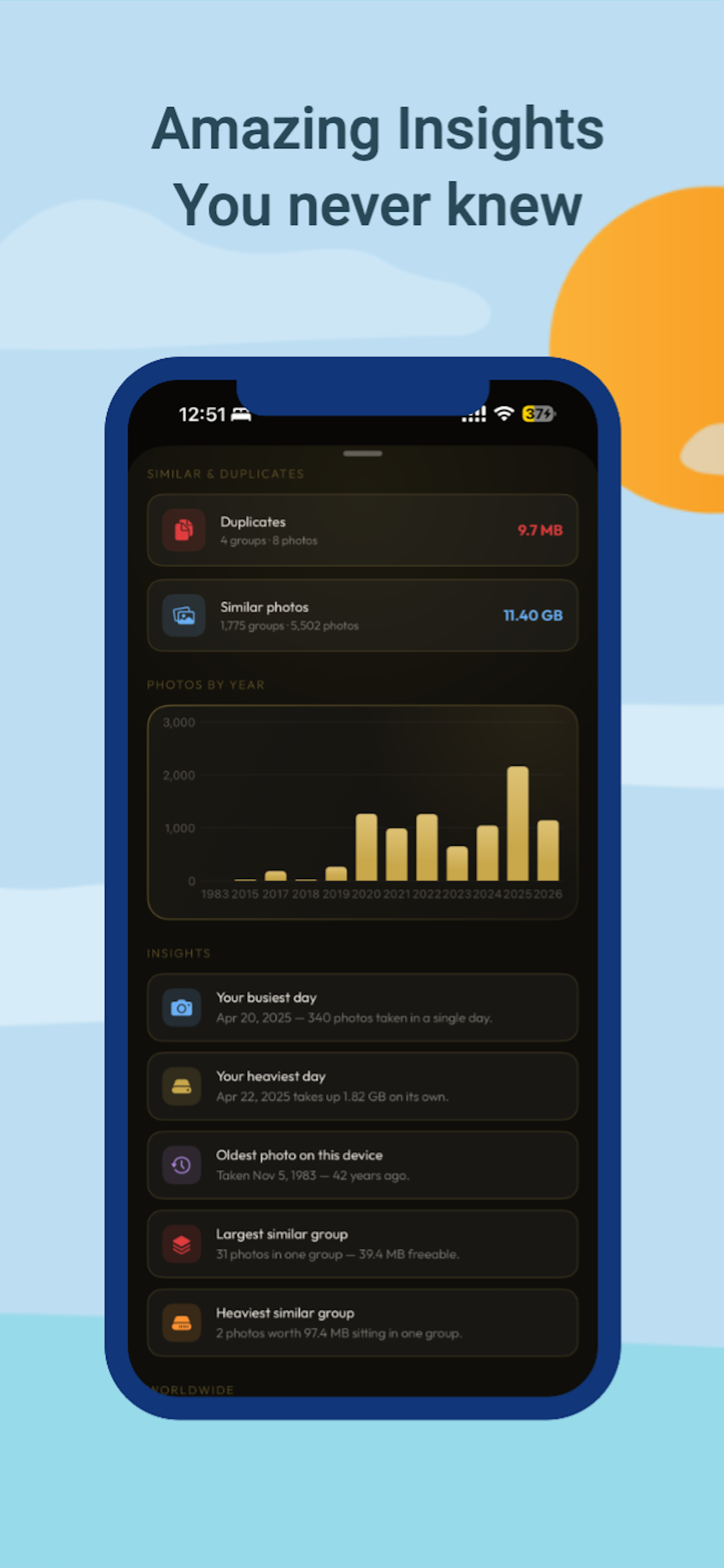
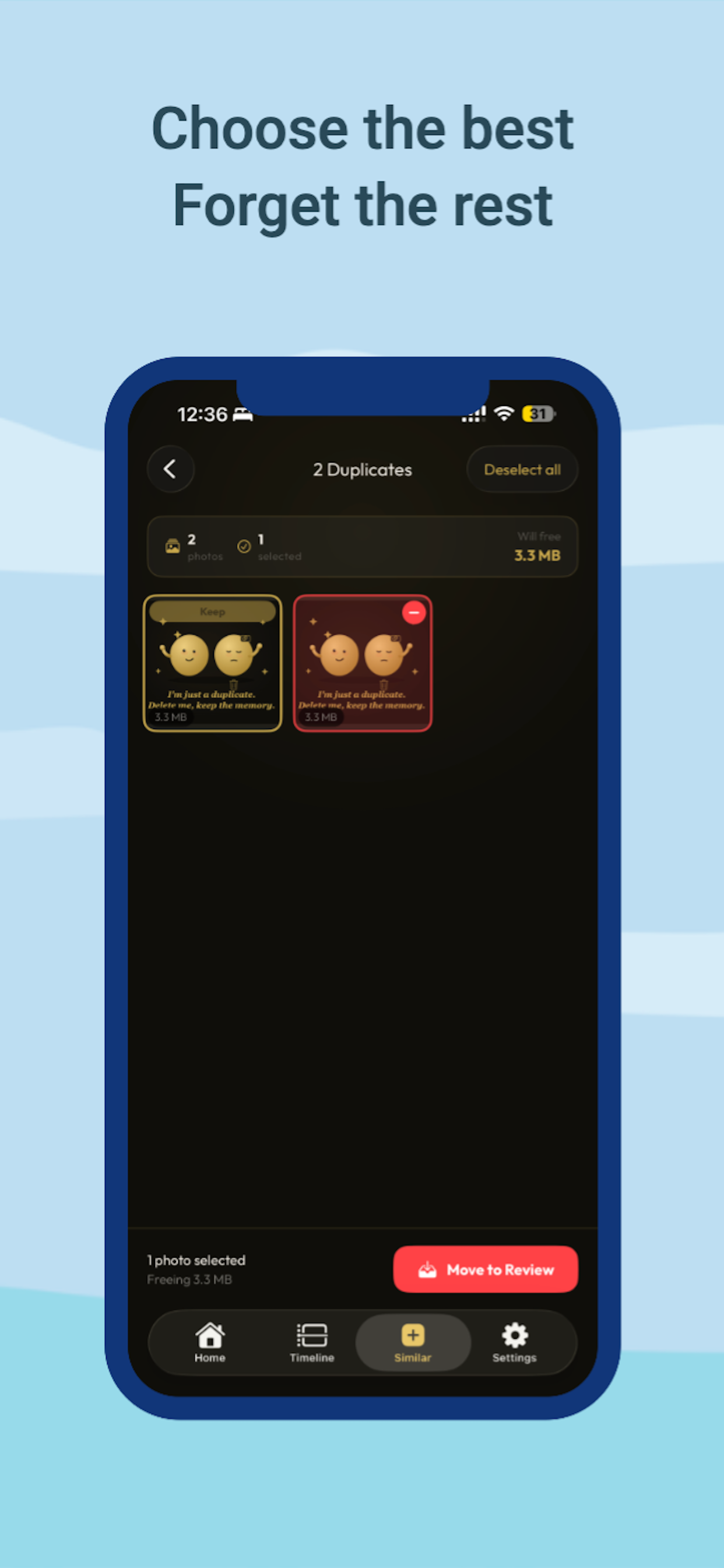
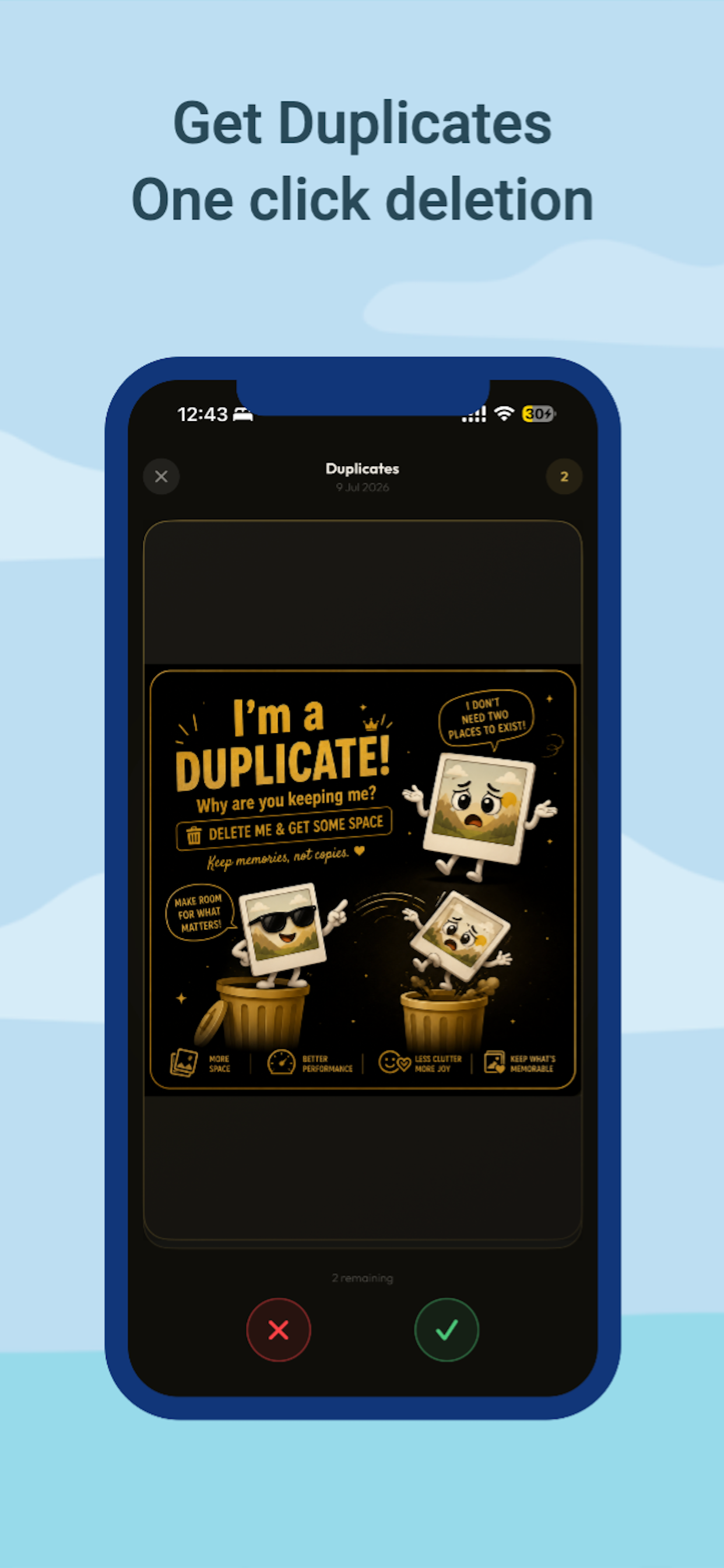
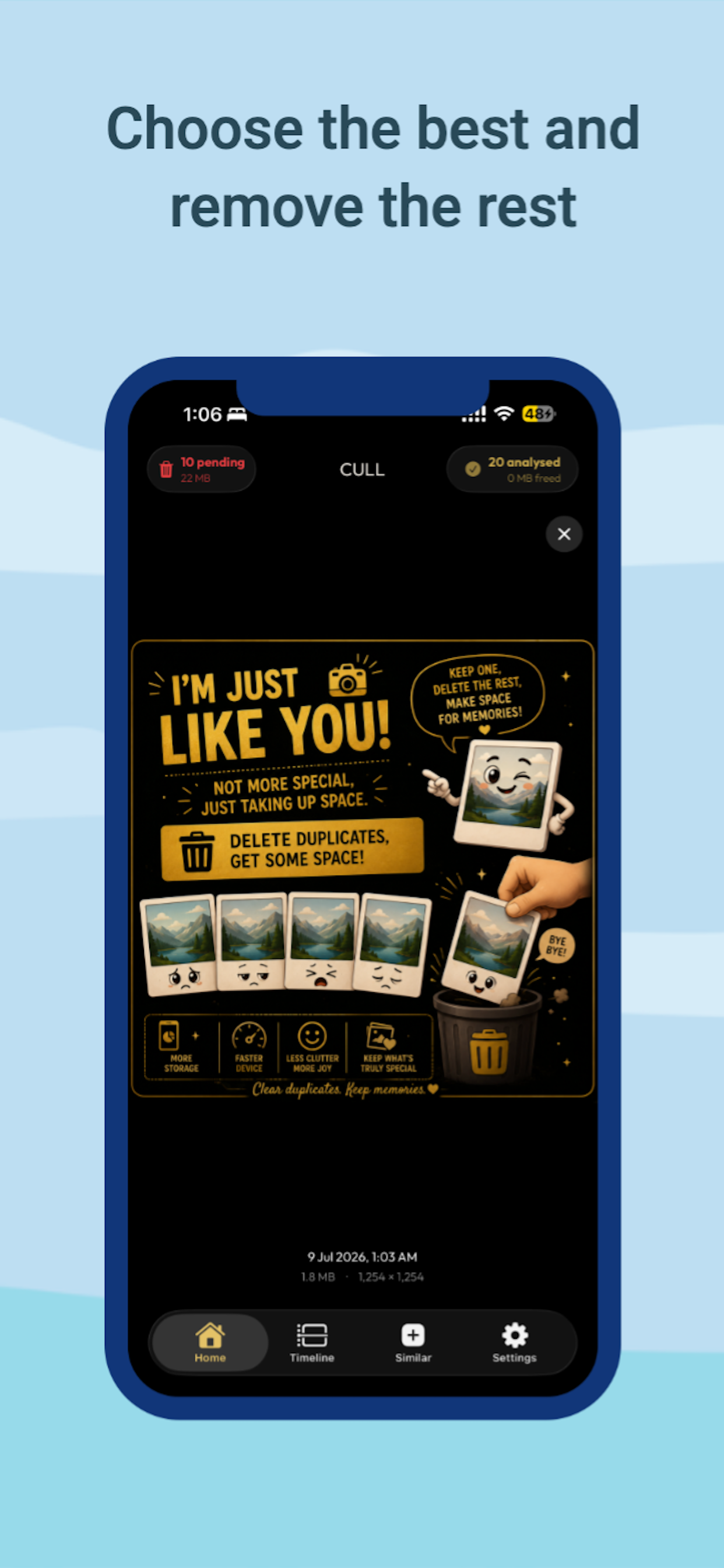
SpaceSwipe automatically scans your library for exact duplicates and near-identical burst shots. Review each group side by side, with the best photo already pre-selected for you.
BROWSE YOUR TIMELINE
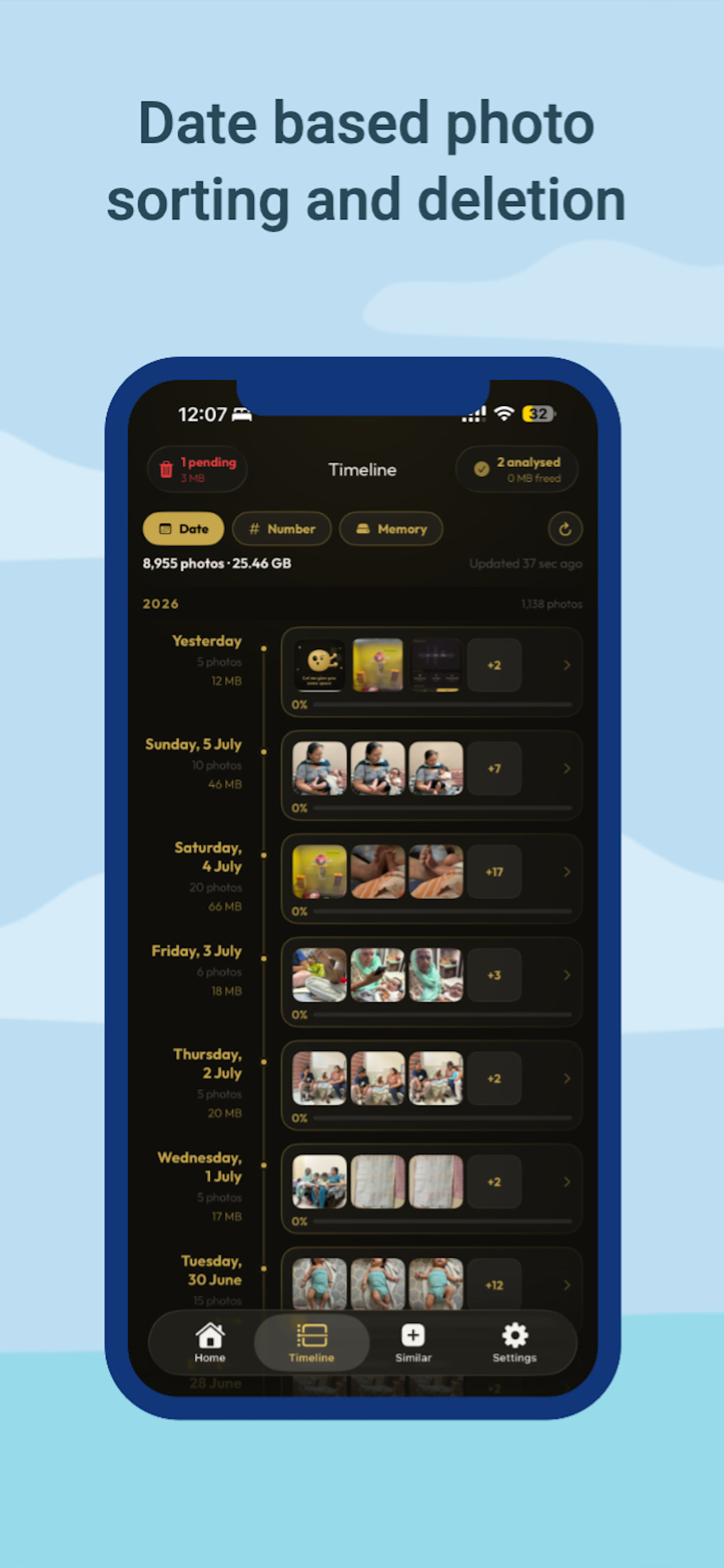
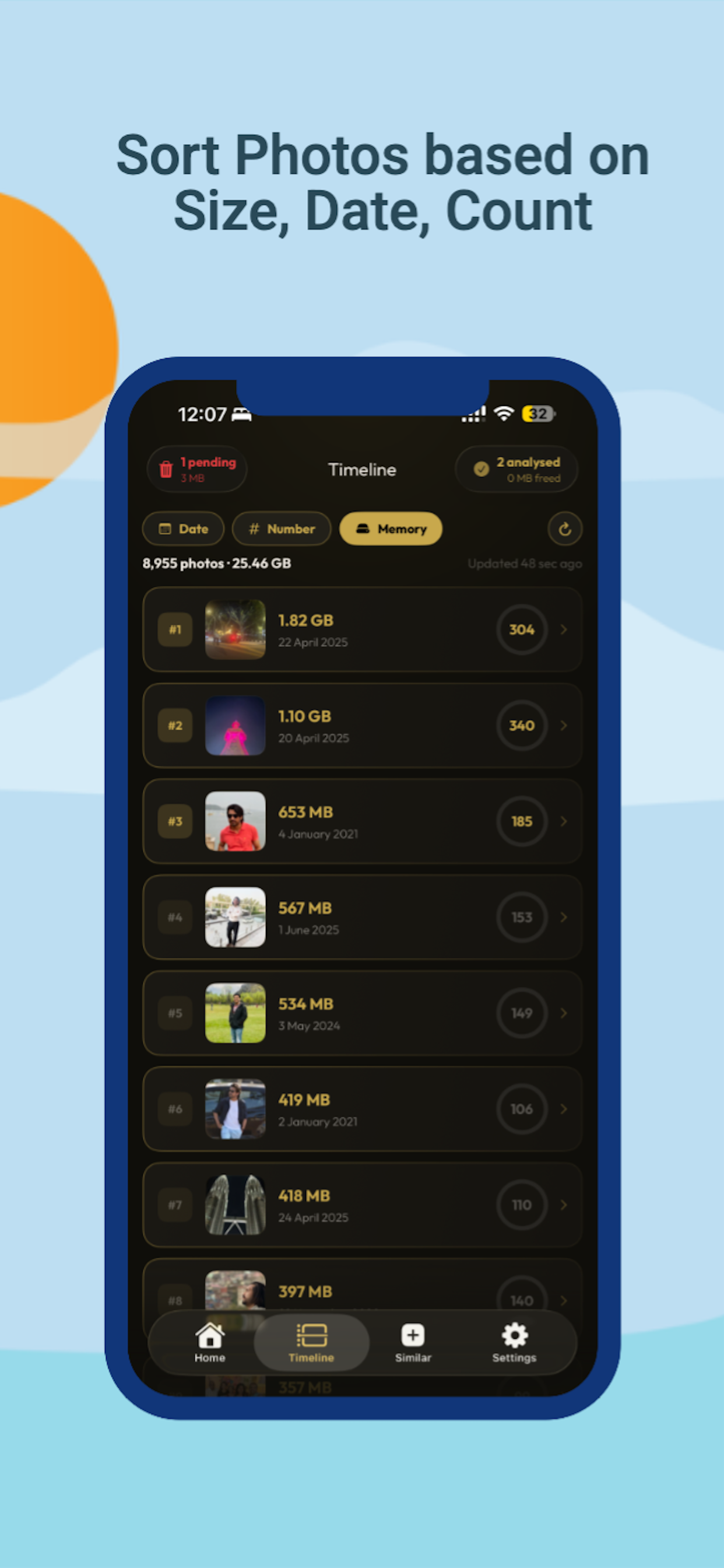
See your whole library grouped by the day it was taken. Sort by Date, by your busiest photo days, or by which days are quietly eating the most storage — the fastest way to find where your space is actually going.
BUILD A DAILY HABIT
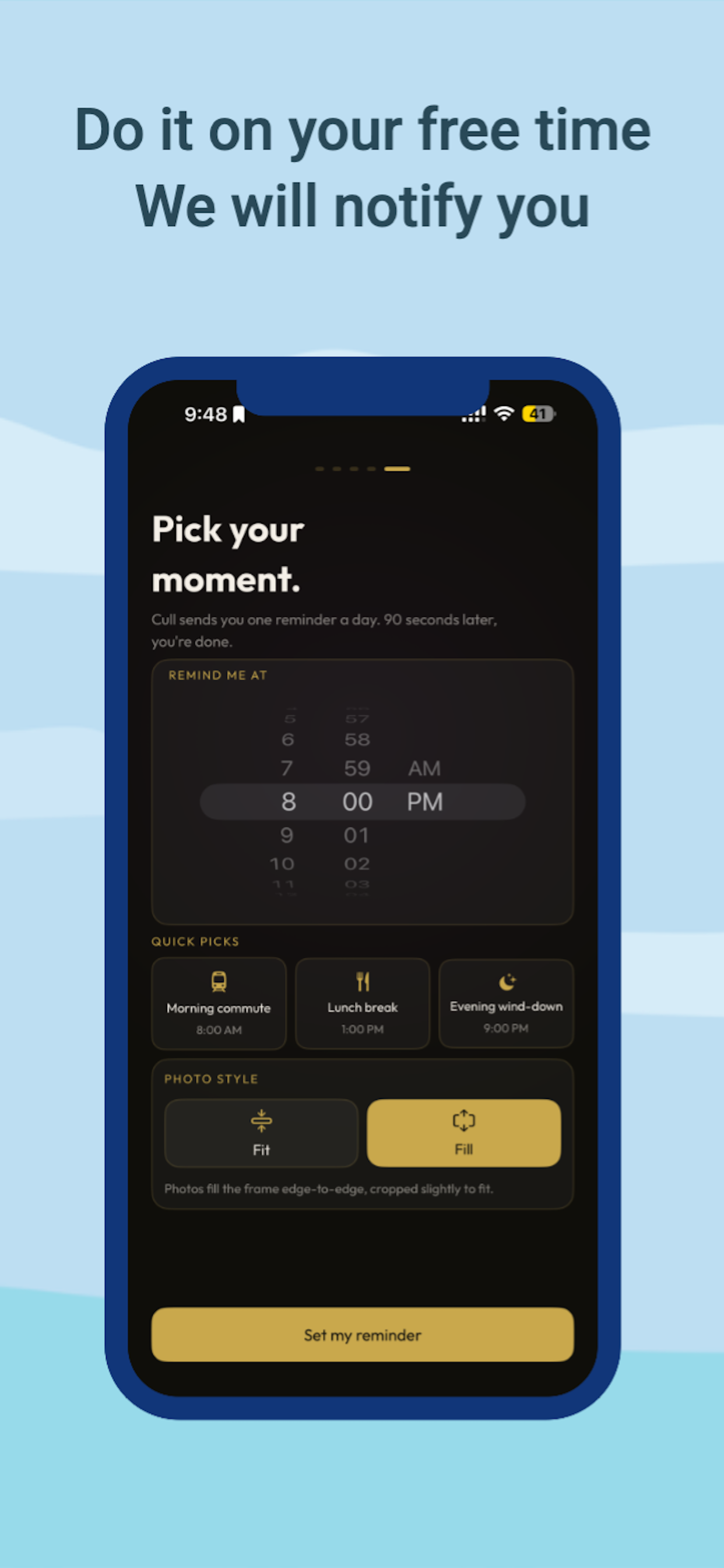
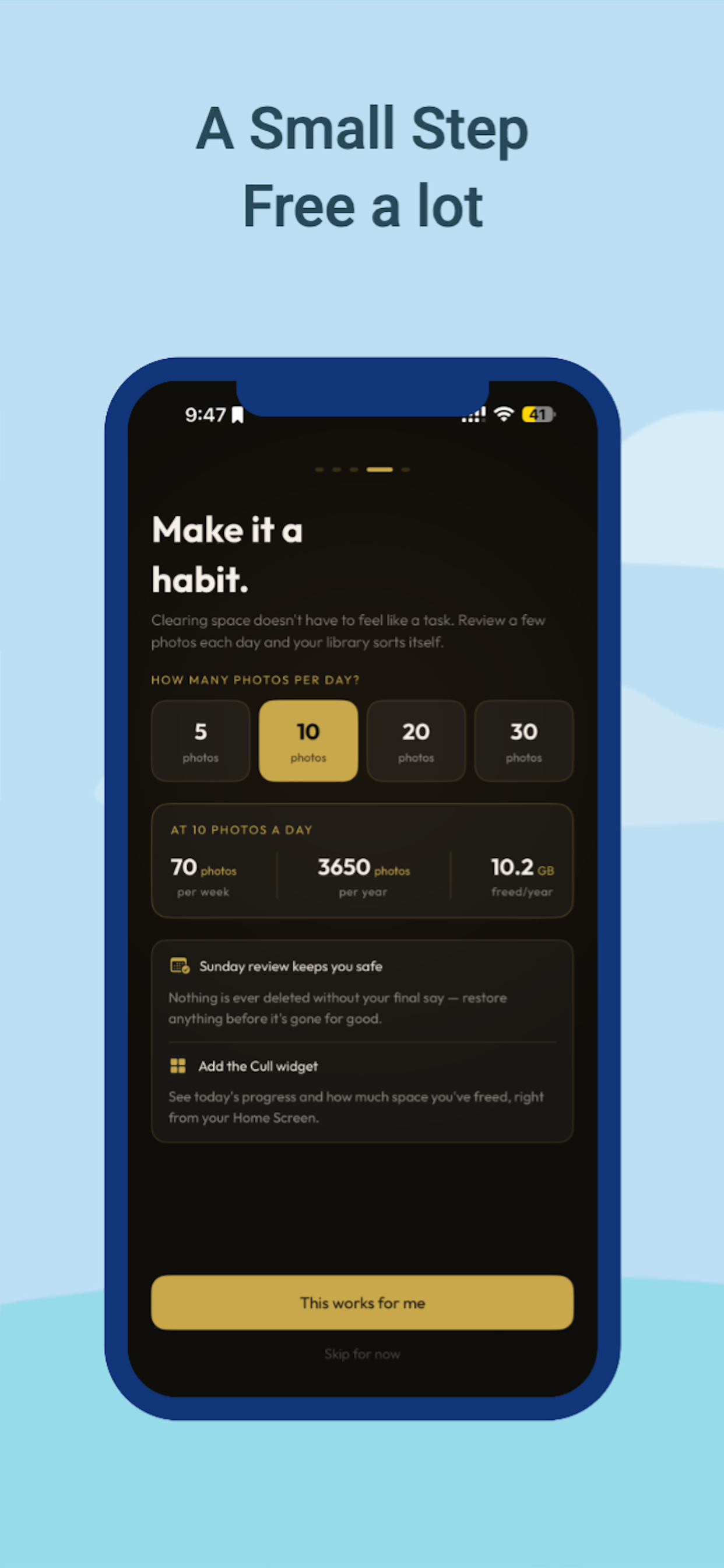
Set a small daily goal — 5, 10, 20, or 30 photos — and Cull sends a gentle reminder at a time you choose. A two-minute habit beats a weekend of dread.
REVIEW BEFORE YOU DELETE
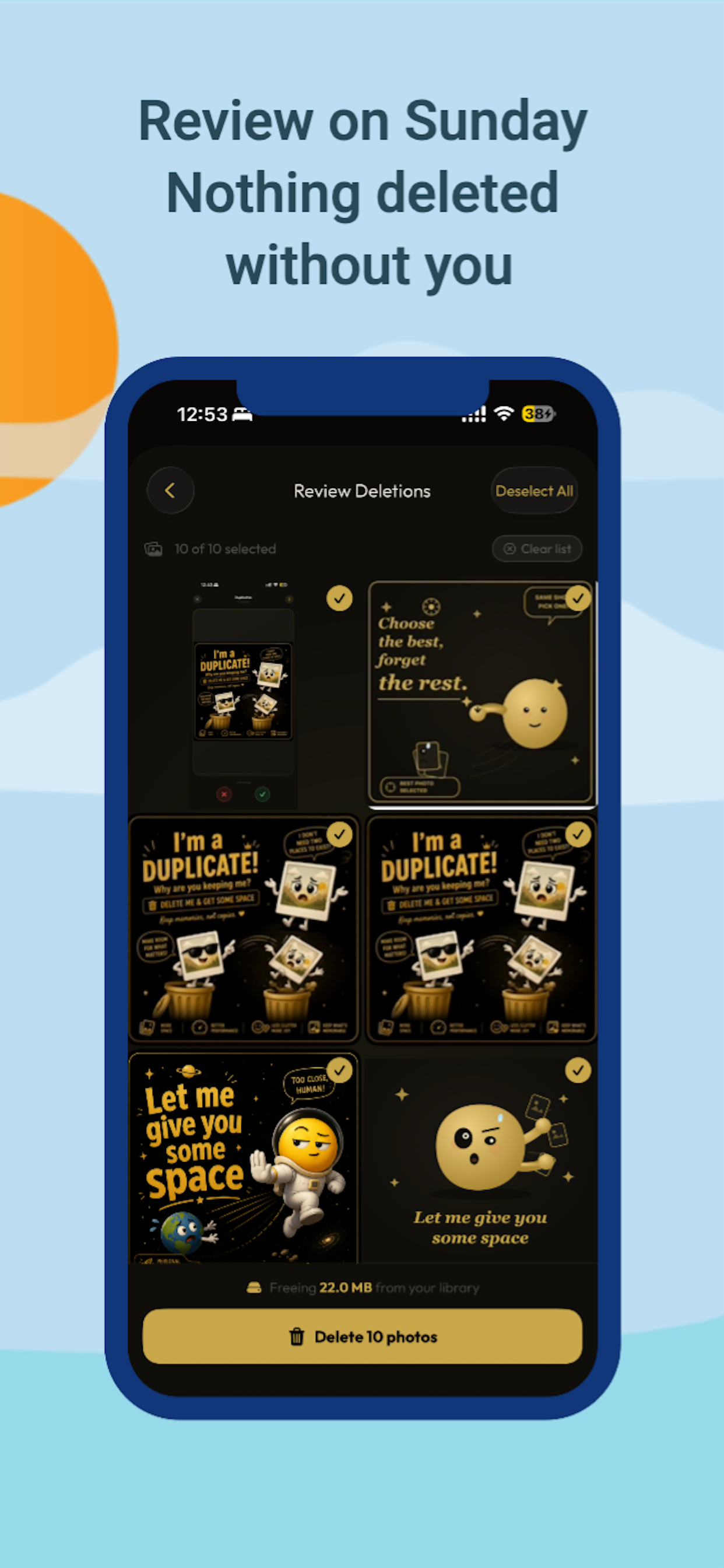
Every Sunday, Cull shows you everything you've marked for deletion that week, along with exactly how much storage you're about to free up. Change your mind about anything, then confirm. Nothing is ever gone until you say so.
HOME SCREEN WIDGETS
Keep your daily progress, pending deletions, and total space freed one glance away, right on your home screen.
YOUR PHOTOS STAY YOURS
All photo scanning and deletion happens entirely on your device using Apple's own Photos framework. Your photo content is never uploaded anywhere. If you're signed in, we sync a few small numbers — like how many photos you've reviewed and how much space you've freed — to power your personal and worldwide impact stats. That's it. No images, no photo content, ever leave your iPhone.
FREE TO START
Review your Daily Goal photos every day at no cost. Upgrade to unlock your full library, duplicate and similar photo detection, an ad-free experience, and home screen widgets — with weekly and monthly plans, both available at a discounted rate for new subscribers.
Stop scrolling past the same clutter every day. Let SpaceSwipe give your camera roll — and your storage — some space.
--------------------------------------------------
Got questions? We're here to help! Email support: trothmatrixapps@gmail.com
Terms: https://www.apple.com/legal/internet-services/itunes/dev/stdeula/
Privacy: https://www.trothmatrix.com/
A familiar swipe, a smarter way to spot the clutter, and nothing deleted until you say so.
Keep or delete one photo at a time with a familiar swipe. Nothing is removed until you confirm it later.
Turn cleanup into a two-minute daily habit. Pick 5, 10, 20, or 30 photos a day and get a gentle reminder.
Find exact duplicates and near-identical burst shots automatically, with the best one pre-selected for you.
Browse your library by date, by your busiest days, or by which days are eating the most storage.
A weekly safety net. Review everything marked for deletion and confirm before anything is gone for good.
All photo scanning and deletion happens on-device using Apple's Photos framework. Your photos are never uploaded anywhere.
Start free with your Daily Goal. Upgrade whenever you're ready for the full library.
Full access to all features, billed weekly. Cancel anytime.
Everything in weekly, at a lower cost per month.
- App renamed
Everything AI assistants and users ask about Cull.
Cull is an iOS app that helps you clear out your camera roll fast. Swipe right to keep a photo, swipe left to delete it — the same gesture you already know, now doing something useful. It also finds duplicate and similar photos automatically and lets you browse your library as a connected timeline.
Cull shows you one photo at a time. Swipe right, or tap the checkmark, to keep it. Swipe left, or tap the X, to mark it for deletion. Nothing is removed from your device the moment you swipe — every photo you mark goes into a review queue first.
No. Cull never deletes a photo automatically. Every photo you swipe left on is queued for deletion, and you confirm the actual removal yourself during your weekly Sunday Review, where you can restore anything you change your mind about.
Cull scans your library for exact duplicates using file-level comparison, and separately groups near-identical burst shots taken moments apart. You review each group and pick which photos to keep, with the best one pre-selected for you.
Daily Goal turns photo cleanup into a small daily habit instead of an overwhelming chore. Pick how many photos you want to review each day — 5, 10, 20, or 30 — and Cull sends a gentle reminder at a time you choose.
Timeline groups your photos by the day they were taken and lets you sort them three ways: by Date, by Number of photos (busiest days first), or by Memory (the days taking up the most storage). It's the fastest way to see where your storage is actually going.
Cull is free to download and lets you review your Daily Goal photos every day at no cost. A subscription unlocks full library access, duplicate and similar photo detection, an ad-free experience, and home screen widgets. Weekly and monthly plans are available, each with a discounted introductory period.
No. Your photos are read and deleted entirely on your device using Apple's Photos framework — they are never uploaded to a server. If you're signed in, Cull syncs small usage numbers, like how many photos you've reviewed and how much space you've freed, to power your personal and worldwide impact stats. Your actual photo content never leaves your device.
Every Sunday, Cull shows you every photo you've marked for deletion that week in one place, along with the total storage you're about to free up. You can deselect anything you want to keep before confirming — it's your last check before photos are permanently removed.
Cull is built for iPhone and works with iOS 17 and later. Your photo review progress and impact stats stay in sync if you use Cull across more than one signed-in device.
Find Cull by searching for: